Maxout CRM · AI for agents
The AI CRM Built for Life Insurance Agents
AI texting, live call coaching and your whole pipeline in one place.
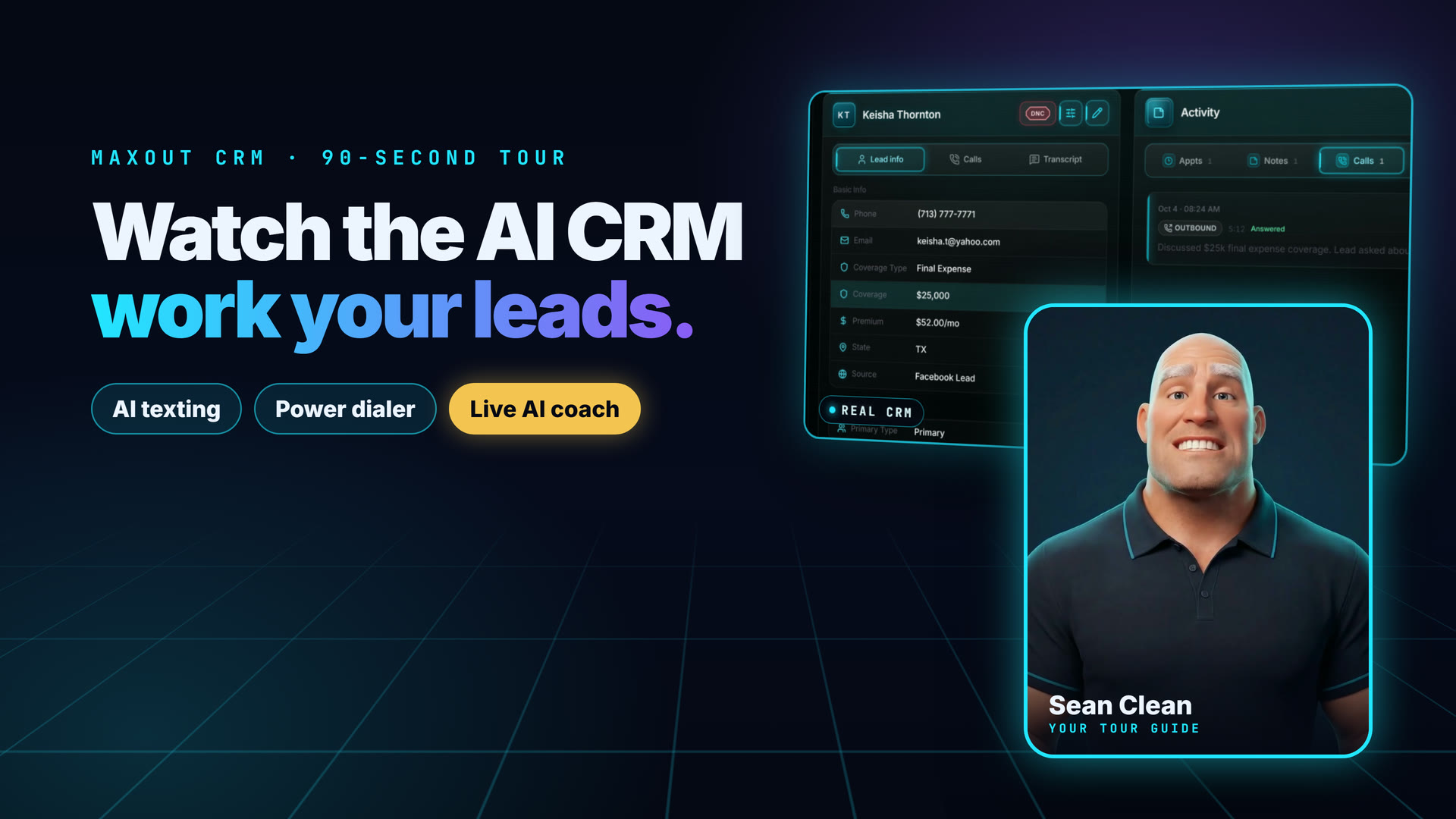

Everything You Need. One Login.
AI Texting
Replies go out from your number in seconds.
Live AI Call Coach
Real-time help on every call, logged for you.
Power Dialer
Work through your leads fast.
Auto Follow-Up
Texts, emails and reminders on autopilot.
Calendar + Gmail
Appointments and inbox in one place.
Guided A2P Setup
We help get your texting approved.
Common Questions
Any insurance agent or agency can request access. Maxout agents get full access included at no extra cost. Independent agents and agencies outside of Maxout can license the platform, contact us for pricing.
Our platform delivers native messaging from your real phone number, personal, direct, and fully A2P/10DLC compliant. We guide you through brand and campaign registration and work to get you carrier-approved quickly, so you're not stuck waiting on compliance paperwork.
No. This was built from the ground up specifically for life insurance and annuity agents. Every feature, workflow, and integration was designed around how insurance agents actually work, not adapted from a generic sales tool.
The platform includes underwriting guidelines, quick-issue thresholds, medical requirements, and preferred-class rules for all of our A-rated carrier partners. It guides you to the right carrier for each client based on their profile, health history, and coverage needs.
Click "Request Software Access" on this page and fill out the short form. Our team will reach out within 24 hours to discuss your needs and get you set up. Maxout agents are onboarded immediately upon joining the team.
CRM guides
What to look for in a CRM for life insurance agents
A life insurance CRM keeps your leads, calls, texts, emails, appointments and quotes in one place, so you follow up fast and nothing falls through. Maxout CRM is built for life and final expense agents, with a dialer, registered texting, AI follow-up, scheduling and a quoter in the same workspace.
What is an insurance CRM?
An insurance CRM is software that stores every lead and client you work with, and records each call, text, email and appointment against that person. It replaces the spreadsheet, the notes app and the separate calendar. A good one also shows you who to contact next.
A general CRM can do this, but you build the insurance parts yourself: lead statuses, follow-up timing, quote tools and texting rules. An insurance CRM ships with those parts in place, so setup is mostly connecting your own accounts.
What does a life insurance agent need from a CRM?
You need six things: speed to lead, a dialer, compliant texting, steady follow-up, easy appointments and fast quotes. Use this list to test any CRM, including ours.
- Speed to lead: new leads land in the CRM the moment they come in, and a first message goes out without you.
- Dialer: you call a queue of leads from the CRM, and each call is logged to the right person.
- Compliant texting: a registered number, consent on file, and STOP honored every time.
- Follow-up: a plan for the lead who does not answer, so you do not rely on memory.
- Appointments: a booking page that checks your real calendar, plus reminders.
- Quoting: compare carriers for one person and send the result by text or email.
How fast do you need to reach a new lead?
As fast as you can, because a lead who just filled out a form is thinking about coverage right now, and many of them are also hearing from other agents. The CRM’s job is to make the first contact happen even when you are on another call.
In Maxout, leads from Facebook Instant Forms arrive in real time. You can also import a CSV, connect a Google Sheet, or send leads in through the API. If the lead has never been texted, an opening sequence of texts and emails starts on its own, with waits you set in minutes. Sends are held to business hours in the lead’s local time.
Do you need a dialer inside your insurance CRM?
Yes, if you call more than a handful of leads a day, because a dialer inside the CRM logs every call to the right lead with no typing. Switching between a dialer and a CRM costs you minutes you do not have.
Maxout’s dialer rings up to two leads at once and connects you to the first live person. Answering-machine detection hangs up on voicemail so you do not sit through greetings. It is a two-line power dialer, not a predictive dialer that rings many numbers per agent.
The queue skips leads marked do-not-call and leads outside 8 a.m. to 8 p.m. in their own time zone. It caps attempts per day and spaces out retries. Calls are recorded and summarized afterward.
Can you text leads from a CRM, and is it allowed?
Yes, if the lead agreed to get texts and your number is registered for business texting (A2P 10DLC). Registration gets your messages through the carriers. It does not replace consent, which you must collect and keep. This is not legal advice, so ask your compliance contact if you are unsure.
Maxout includes a guided wizard for the registration. It also handles opt-outs on its own. When a lead texts STOP, UNSUBSCRIBE, END or QUIT, or writes something like “take me off your list,” the lead is marked Do Not Contact, the drip stops, future appointments are cancelled and a confirmation text goes out. Only you can undo that.
How does follow-up automation work?
A follow-up plan sends the next message for you at the right time and stops when the lead answers. In Maxout the AI drip does this by text, from a daily rhythm up to every three months.
There is also an optional eight-touch plan over about two weeks. It offers two real open times from your calendar and never invents one. Any reply from the lead holds the plan for a day, and a “contact me later” request parks the lead. Drip texts send on their own once you turn them on, so write prompts and templates you are happy to see, and pause any lead at any time.
How do appointments work in a life insurance CRM?
Leads pick a time on your booking page, the CRM checks your real calendar, and reminders go out until the call. Maxout’s booking page reads free and busy time from Google Calendar and shows slots in the lead’s own time zone.
Every confirmation and reminder ends by asking for the lead’s word, in the form “Can I count on you?”. If a lead has not replied by the morning of the appointment, the follow-up asks again, and you get an alert. Nothing is cancelled for you.
Can you quote inside the CRM?
Yes. The Quoter compares every carrier’s price for one person, cheapest first, for term and final expense. Final expense also has a mode that finds the most coverage for a monthly budget.
You send the result as a picture by email or text, or save it to the lead’s files. The picture says the prices are estimates for illustration only and not an offer of coverage. IUL and annuity tabs give labeled estimates, not carrier illustrations, so you still run the real illustration with the carrier.
What else is in Maxout CRM?
- Gmail inside the CRM: read, send and search, with AI triage on your inbox.
- Client portal: clients send documents and photos and message you at a private link, and every access is logged on the lead.
- Screen share: share a tab, window or screen by link, with no app or login for the client.
- Phone app: install it from the browser, with push alerts and a mobile call screen.
- Chrome extension: fills only empty fields on carrier e-App screens from your own CRM data, and never reads or stores application answers.
Who is Maxout CRM for, and who is it not for?
It is for people who sell life, final expense, IUL, term or annuities and want calling, texting, scheduling and quoting in one login. That includes solo agents, small teams, and agencies that hire callers.
It may not fit you in these cases, and you should compare first:
- You sell mostly property and casualty, group benefits, or Medicare and ACA, and want templates built for those lines.
- You run a marketing agency and want one platform to resell to many industries.
- You want a free self-serve trial. Access starts with a product conversation and guided setup.
- You want AI voice agents that place calls for you. Maxout’s AI helps you during calls you make.
How do you switch from another CRM?
You export your leads, import them, connect your tools and turn on the automations, usually in that order. Keep your old data until you have checked the import.
- Export your leads. Download a CSV from your current CRM with names, phones, emails, state and status.
- Import them. Use the import wizard. For a Google Sheet you keep updating, connect the sheet instead.
- Connect Google Calendar and Gmail. Do this when you are ready. The booking page and reminders need the calendar.
- Register texting. Run the registration wizard. Approval takes days, so start it first.
- Turn on the opening sequence and drip. Then start the dialer queue. Only text people who agreed to get texts.
How much does a life insurance CRM cost?
The CRMs on our comparison pages list flat plans from about $97 to $499 a month, and some bill texting, calling or AI separately. Others, such as HubSpot and Salesforce, charge per user. Check each vendor’s page for today’s price, because plans change.
Maxout is one subscription that includes the CRM and a monthly pool of credits for texts, calls, AI and other paid actions. Two dial lines are included. If you use more credits, you buy extra in batches, and auto-refill is optional. Agents who work with Maxout get access included, and independent agents and agencies can license it. Current pricing is shared on the demo call.
Common questions
What is the best CRM for life insurance agents?
It depends on the lines you sell, your budget and how much setup you want to do. Use the six needs above to test any option. We compare Maxout with seven other CRMs, including where they are stronger, in our buyer’s guide.
Does Maxout CRM have a built-in dialer?
Yes. The Call Center is a two-line power dialer with answering-machine detection. It rings up to two leads at once and connects you to the first live person. It logs, records and summarizes calls on the lead.
Can I text leads from the CRM, and is it compliant?
You can text leads from the CRM once your number is registered for A2P 10DLC and the lead has agreed to get texts. The CRM handles STOP and similar opt-outs automatically. Consent itself is your responsibility, and this is not legal advice.
Does it work for final expense agents?
Yes. Final expense is one of its core lines. The Quoter has a final expense mode that ranks carriers by price or by the most coverage for a monthly budget, and the dialer, texting and follow-up are built for high-volume lead work.
How much does Maxout CRM cost?
It is one subscription that includes the CRM and a monthly pool of credits, with two dial lines included and extra credits sold in batches. Agents who work with Maxout get access included. Independent agents and agencies can license it. We share current pricing on the demo call.
Can I try it before I buy?
There is no self-serve free trial. You start with a product conversation and guided setup, then connect your own leads, calendar and texting registration. Request access from the contact page.
Can I move my leads from another CRM?
Yes. Export a CSV from your old CRM and use the import wizard. You can also connect a Google Sheet, take leads from Facebook Instant Forms, or send them in through the API.
Does the CRM store carrier application data?
No. The Chrome extension never reads, stores or sends answers from a carrier application. It fills only empty fields from your own CRM data, such as your lead’s name and contact details, and it never fills Social Security numbers, health answers, bank details or beneficiary information.
Does it work on my phone?
Yes. You can install it as an app from your browser, get push alerts, and call from a mobile call screen. You can also take calls on your cell phone through the dialer.
What happens when I run out of credits?
Paid actions such as AI replies, texting, calling and the live call coach stop until you add credits. Opt-out handling does not stop. A lead who texts STOP is still marked Do Not Contact and still gets the confirmation text, and inbound calls still ring.
What is Maxout CRM, and who makes it?
Maxout CRM (also written MaxOut CRM) is the AI-powered CRM Maxout Insurance built for its own life insurance agents and now licenses to independent agents and agencies: leads, a two-line power dialer, a live AI call coach, compliant texting, appointment booking and automatic follow-up in one workspace. It is made and supported by Maxout Insurance in Corona, California.
Is Maxout CRM the same as maxoutcrm.com?
No. Maxout CRM lives at maxoutinsurance.com/insurance-crm and agents sign in at the CRM login on this site. The website maxoutcrm.com belongs to a different company that is not affiliated with Maxout Insurance. If you were looking for the Maxout CRM login, pricing or a demo, you are in the right place.
Sources
General information, not advice for your situation. Prices, availability and underwriting depend on your state, the carrier and your health. A licensed agent can check what applies to you.